Getting Started
Get your team set up and ready to track plays in under 5 minutes.
What This Platform Does
Hashmarks is a complete analytics platform for football coaches at all levels. It combines three core tools: a Play Tracker for logging plays during games, a Sideline Intel dashboard for real-time coaching insights, and a Play Analyzer for post-game film study and scouting reports.
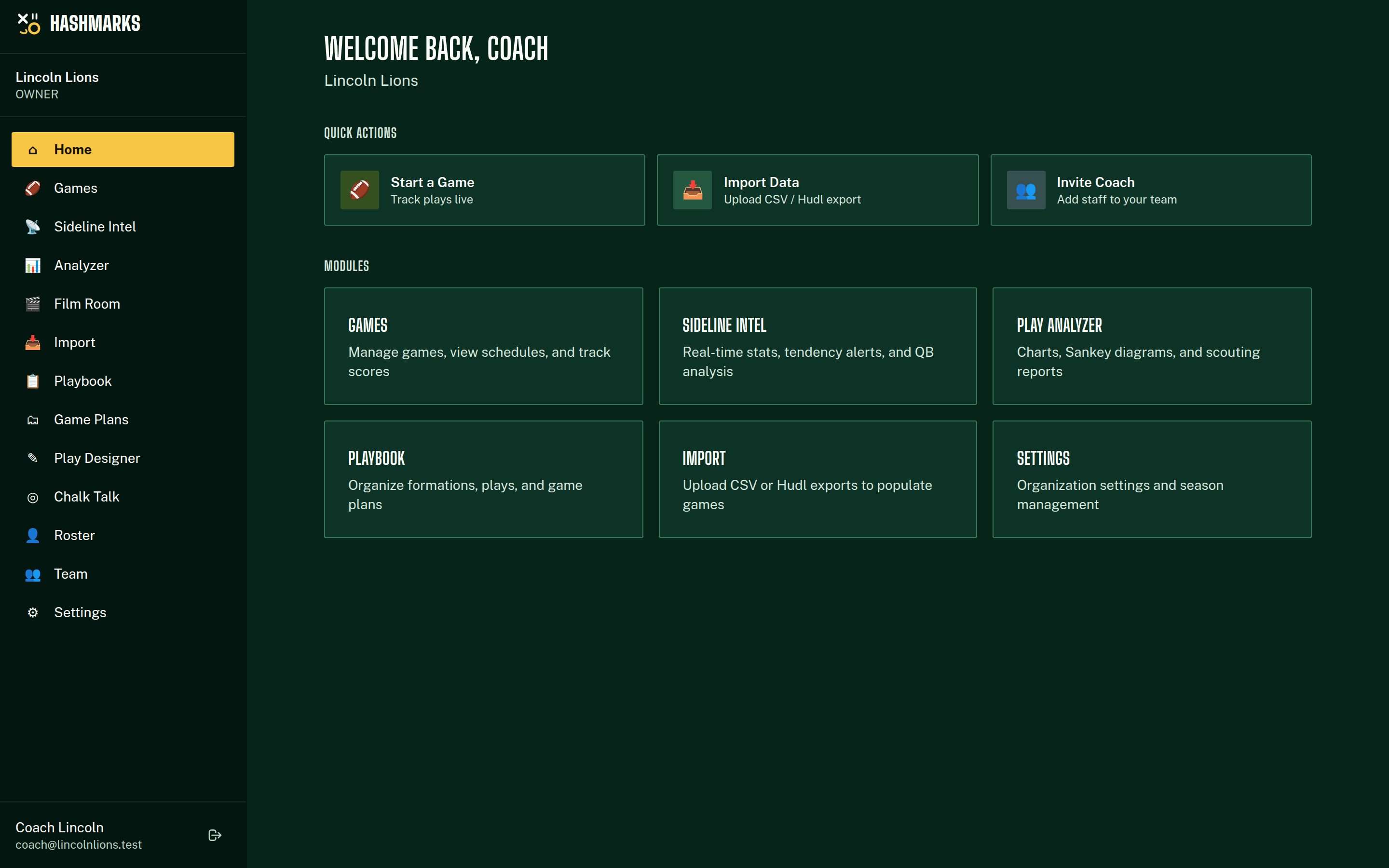
Setup Walkthrough
Create Your Account
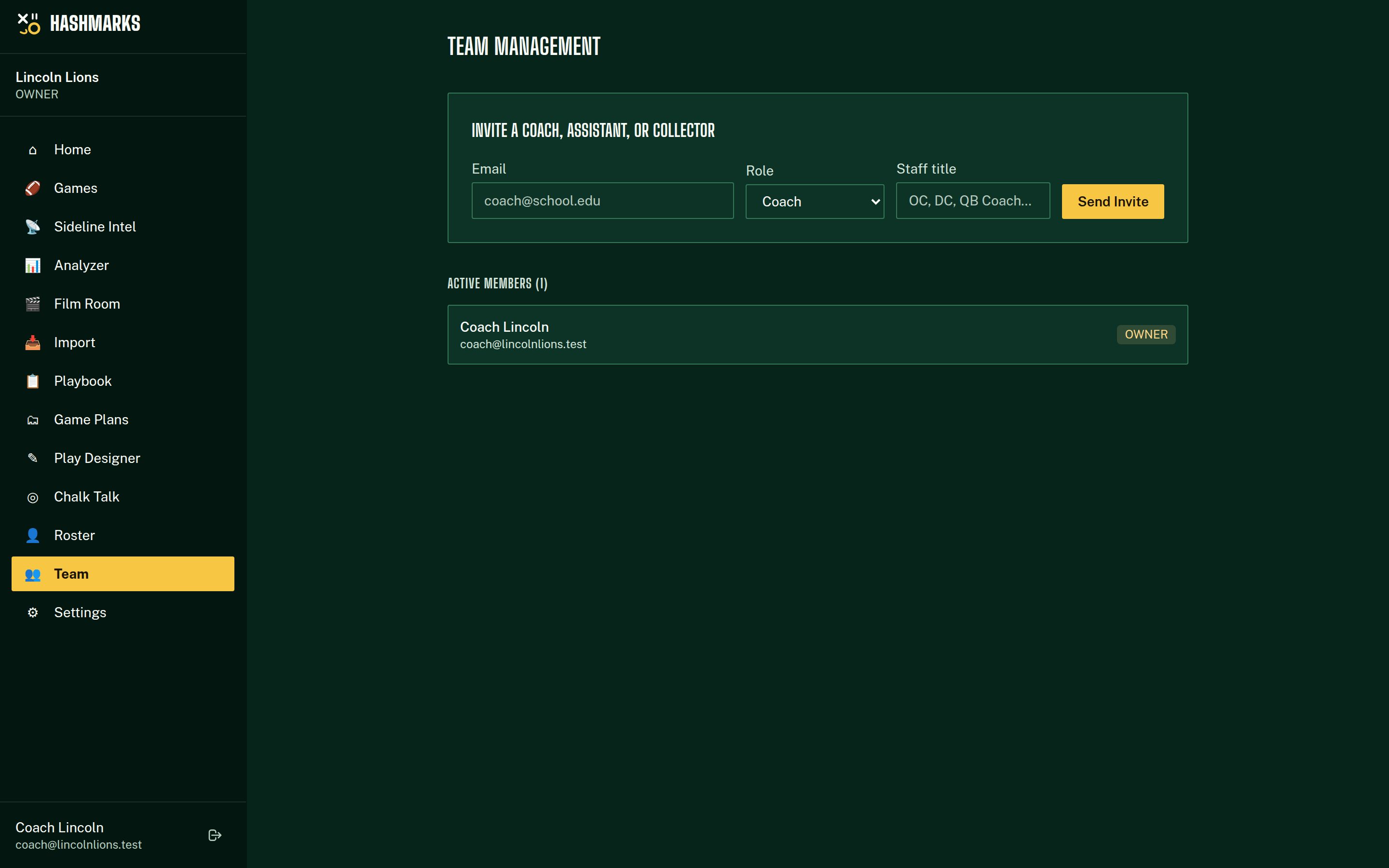
Set Up Your Season
Invite Your Staff
Create a Game
Start Tracking
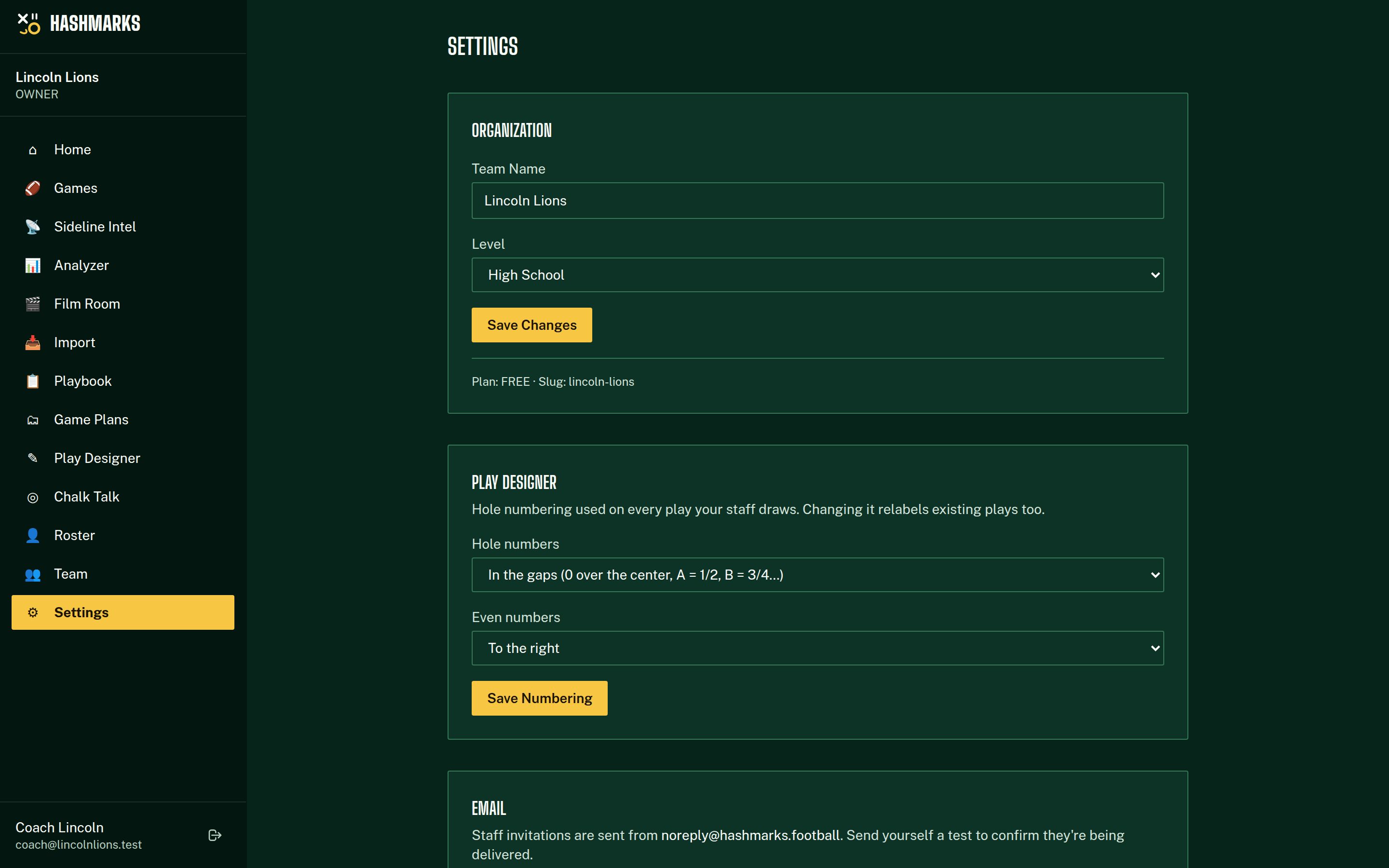
Team Roles
Invite your coaching staff and assign roles that control what each person can access.
| Role | Access Level |
|---|---|
| Owner / Admin | Full access — settings, team management, all data |
| Coach | View all data, use Sideline Intel, manage playbook |
| Collector | Log plays during live games only |
💡Pro Tips
- Upload your playbook first so play calls appear as quick-select options in the tracker.
- Assign at least 2 collectors for better coverage during games.
- Import historical data from Hudl via CSV Import to build a larger dataset.
- The more plays you track, the better your analytics and AI scouting reports will be.
Troubleshooting
I don't see any games
Make sure you've created a season first in Settings. Games are organized by season.
My invite link isn't working
Invite links expire after 7 days. Go to Team and resend the invitation.
I need to track opponent data
Create a separate game with "Opponent Data" toggled on, or import opponent film data via CSV.