CSV Import
Import play data from Hudl, spreadsheets, or other sources.
Overview
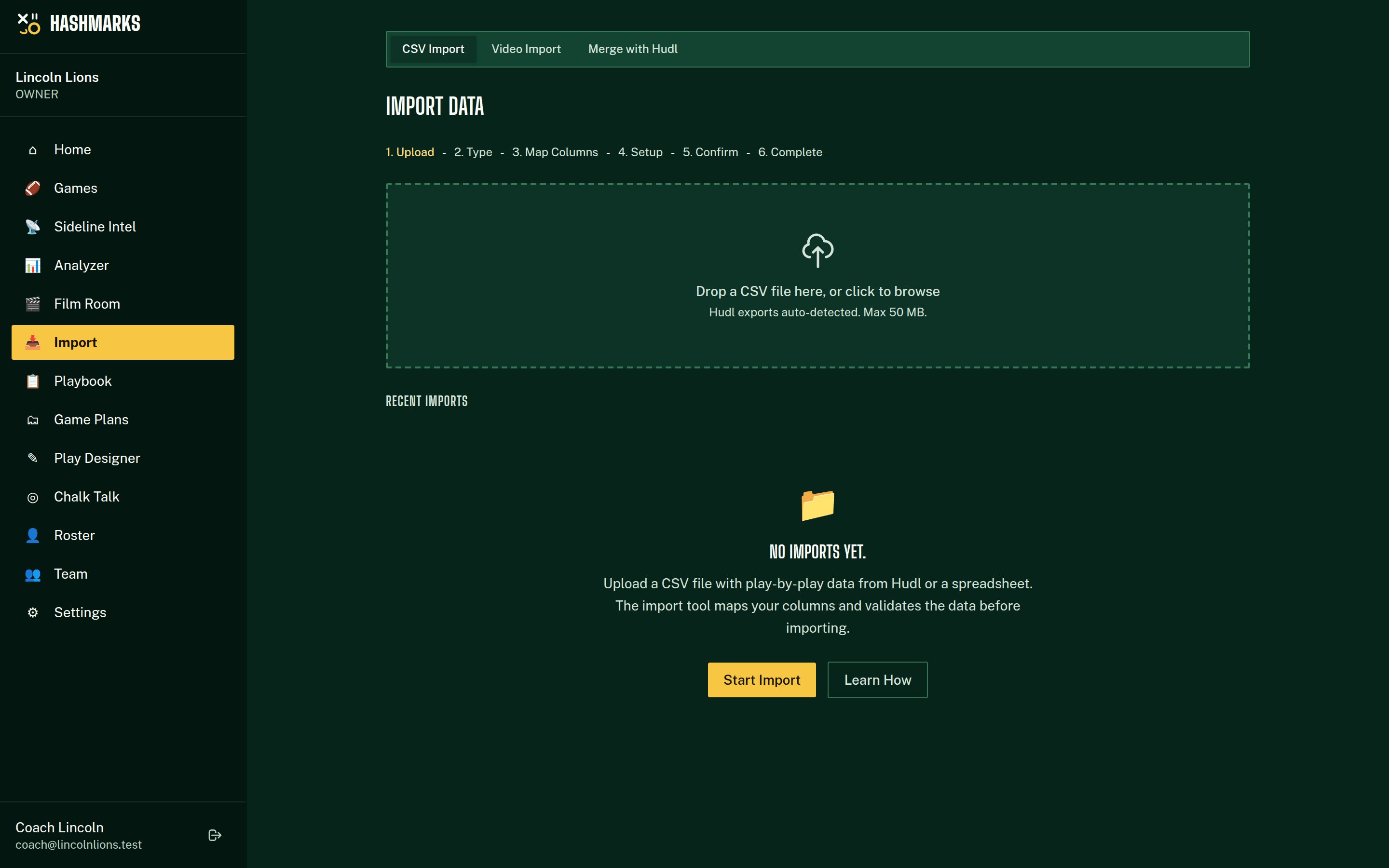
The CSV Import tool lets you bring in play-by-play data from external sources. It supports Hudl exports natively and can map columns from any CSV file to the app's play fields. Use it for importing historical data or scouting opponent film.
How to Import
1
Prepare your CSV
Export from Hudl (or create a spreadsheet) with one row per play. Common columns: Play #, Quarter, Down, Distance, Yard Line, Formation, Play Call, Play Type, Gain/Loss, Result.
2
Upload the file
Go to Import and drag your CSV into the upload zone (or click to browse). Files up to 50 MB are supported.
3
Map columns
The system auto-detects Hudl column names. Review and adjust each dropdown to map your CSV columns to the correct play fields.
4
Preview the data
Check the first 5 rows to make sure numbers, formations, and results landed in the right columns.
5
Associate with a game
Choose an existing game or let the system create new games automatically (when opponent/date columns are mapped).
6
Confirm and import
Click Import to process the file. A progress bar shows imported, skipped, and errored rows.
Exporting from Hudl
1
Open your game in Hudl
Navigate to the game and open the play-by-play view.
2
Download the CSV
Look for an export or download option (usually CSV or Excel format).
3
Upload to Import page
The system auto-detects Hudl column naming conventions like "ODK", "Dn", "Dist", and "GN LS".
Importing Opponent Data
1
Create an opponent game
Create a new game with the opponent name and check the "Opponent Data" toggle.
2
Import the CSV
Upload the file and associate it with that game.
3
Analyze in the Analyzer
In the Play Analyzer, toggle to "Opponent" to view their tendencies, formations, and play calls.
Column Mapping Reference
| Field | Description | Required |
|---|---|---|
| Play Number | Sequential play number | Required |
| Quarter | Game quarter (1-4, OT) | Required |
| Down | Current down (1-4) | Required |
| Distance | Yards to first down | Required |
| Yard Line | Field position (1-50) | Optional |
| Hash | L / M / R | Optional |
| Formation | Offensive formation name | Optional |
| Play Call | Specific play name | Optional |
| Play Type | RUN, PASS, or SPECIAL | Optional |
| Gain/Loss | Yards gained (negative = loss) | Optional |
| Result | Play result description | Optional |
| Personnel | Personnel grouping (11, 12, etc.) | Optional |
⚠️Common Issues
- Many errors during import? Check that required columns (Play #, Quarter, Down, Distance) are mapped correctly and contain numbers.
- Plays in the wrong game? If importing multi-game data, map the Opponent and Date columns so the system can split plays automatically.
- Hudl format not detected? Re-export from Hudl. The detector looks for column names like "ODK", "Dn", "Dist", "GN LS".