Flag Football Stats: Track Your QB, Receivers and Drives
How to keep flag football stats that help: QB completion and TD:INT, who each QB targets, drive efficiency and extra points, charted from a phone.
By Hashmarks4 min readFlag football
Two quarterbacks, one spot, and a parent in the stands asking why their kid isn't playing more. Flag football moves fast, and the scorebook only tells you who won. Flag football stats that actually help answer three questions: which quarterback moves the ball, who he's throwing to, and how often your drives end in points.
This post covers what to track in flag, what to leave out, and how to chart it from a phone in Hashmarks.
What to track in flag (and what to skip)
Tackle stat sheets don't fit the flag game. There's no ball carrier behind a line, no fronts to chart, and on many fields no line of scrimmage number anyone agrees on. The numbers that matter are simpler:
- Who threw it, who it went to, and what happened. Complete, incomplete, touchdown, interception or sack.
- Runs. Gain, no gain, first down or touchdown, and who pulled the flag.
- Drives. How many, how many scored, and how many plays each took.
- Extra points. Whether you went for one or two, and whether it was good.
That's it. A parent volunteer can chart it with one thumb.
Quarterback numbers that settle the QB battle
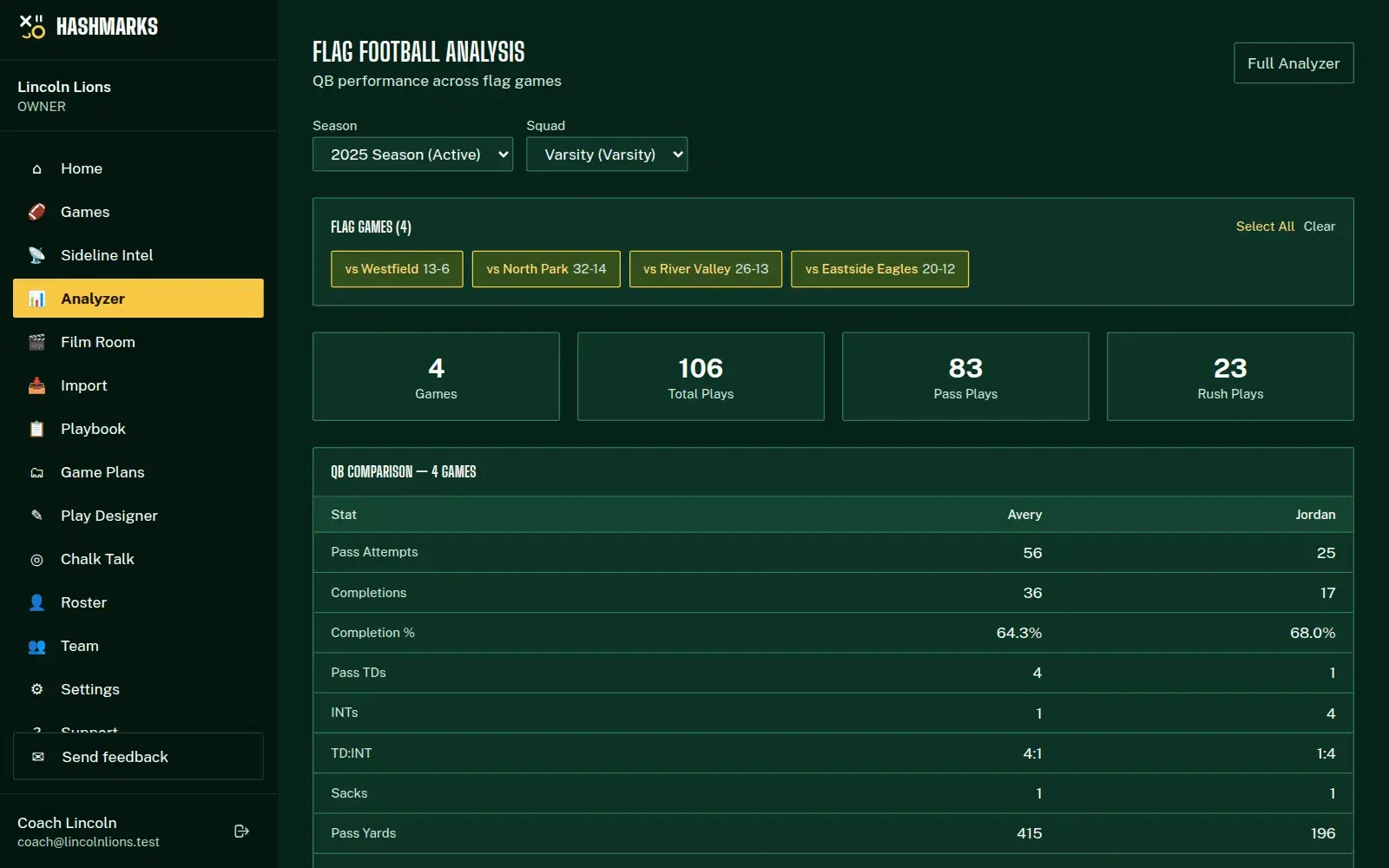
In flag, the quarterback touches the ball every snap, so most coaching decisions start there. Hashmarks compares every QB side by side:
- Passing: attempts, completions, completion %, touchdowns, interceptions, TD:INT, sacks, pass yards and yards per attempt
- Running: attempts, touchdowns and yards
- Drive efficiency: drives, touchdown drives and plays per drive, for each quarterback
Across games, Flag Football Analysis adds completion % by game and touchdowns per game, so you can see whether a QB is trending up or just had one good Saturday.
Who is each QB throwing to?
The QB-to-receiver board shows every quarterback's targets, catches, yards and touchdowns by receiver, and a combined view adds up each receiver across all your QBs. If one receiver gets half the targets from your starter and a quarter from your backup, that's a conversation for practice, not a guess.
Charting a flag game from a phone
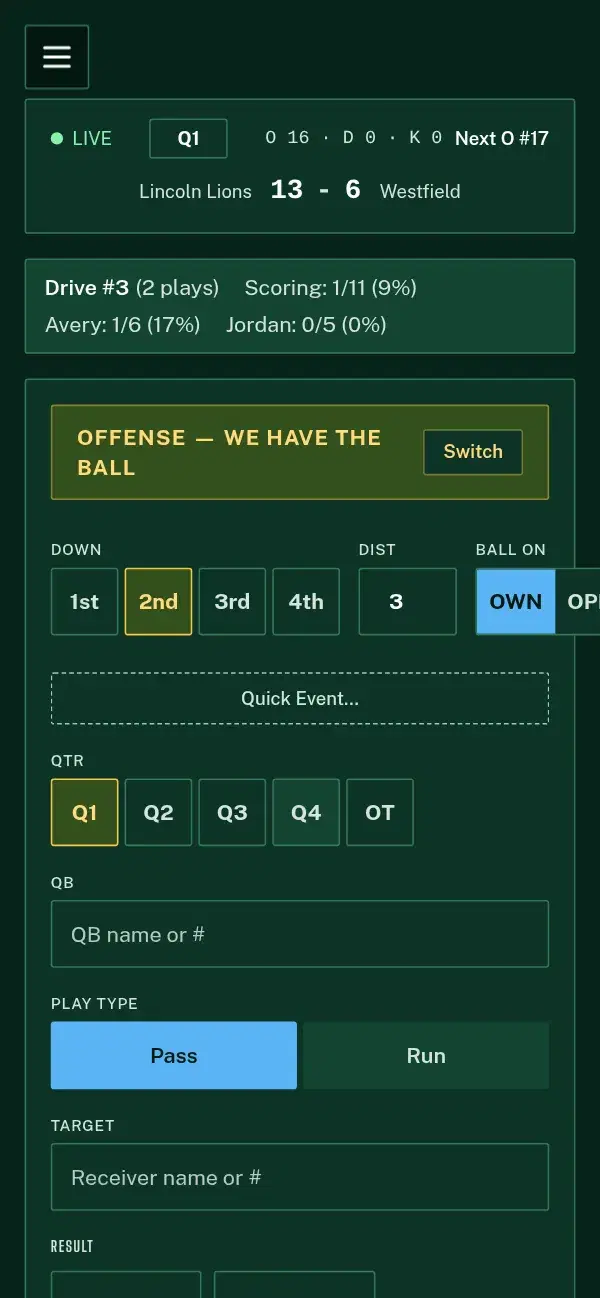
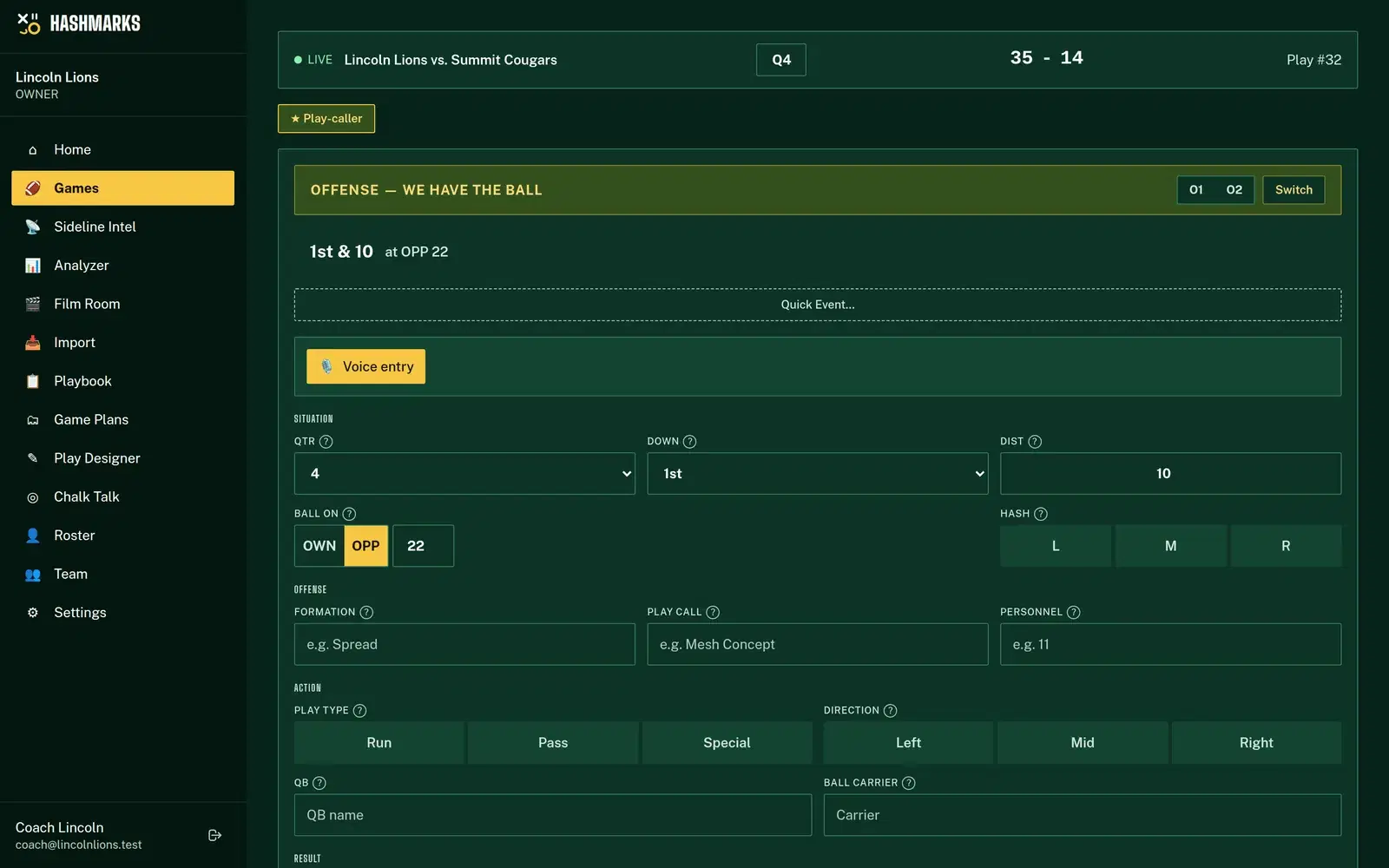
Set the game's format to flag and the Play Tracker switches to a flag form:
- Pick the QB. Names already used in the game are suggested as you type.
- Pass or run. For a pass, pick the target.
- Tap the result. Complete, first down, incomplete, touchdown, interception or sack on a pass. Gain, first down, no gain or touchdown on a run. Add the yards and who pulled the flag if you have them.
- Log it. The down, the drive and possession move on their own.
After a touchdown, the form switches to the extra-point try: XP good or no good, 2-point good or no good, or an interception. Penalties have their own entry with the team and the yards.
A bar at the top keeps the drive count and each quarterback's scoring rate for the game, so you know at halftime who's putting points up.
Let a parent chart it
Nobody on your staff free? Create a collector link for the game. It opens a charting page on the volunteer's phone with no account needed, keeps working when the signal drops, expires after 48 hours by default and can be revoked any time.
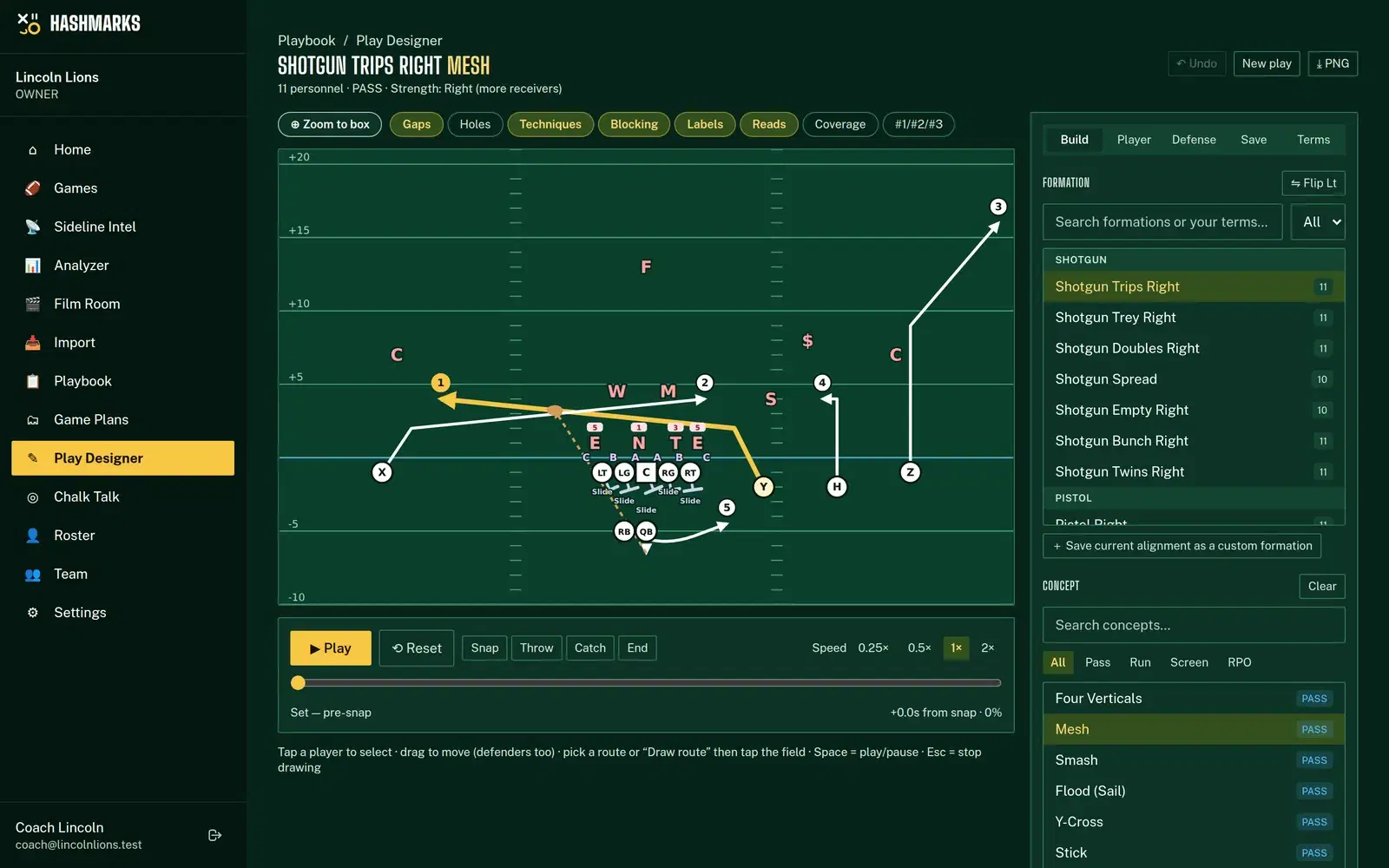
Drawing flag plays
The Play Designer has flag formats from 5v5 to 8v8, including 7v7 with no pass rush and timed throws. Set the field size and rush distance your league uses, draw your plays, and share them with players on a read-only link they can open on a phone.
What flag doesn't include (yet)
Flag games are built around the quarterback, so Sideline Intel shows the play feed and QB comparison rather than the tackle down-and-distance board, and the Analyzer's tackle filters and reports are hidden for flag games. Film upload and breakdown in the Film Room work with tackle games today.
How to do it in Hashmarks
- Request free access and choose flag (or both) for your program.
- Add the game and set its format to flag.
- Open the game and Go Live. Chart each snap: QB, pass or run, target, result.
- Send a collector link to a parent if you need help.
- After the game, open Analyzer, switch to Flag and choose Flag Football Analysis. Pick your games and compare your QBs and receivers.
The Play Tracker help page covers the tracker, and QB reports help explains each quarterback stat.
Tips for flag coaches
- Chart every snap, even the ugly ones. Incompletions and sacks are what make completion % honest.
- Log the target on every throw. It's the one field that tells you who your QB trusts.
- Rotate QBs on purpose. Give each quarterback full drives so drive efficiency compares like with like.
- Share the numbers with your QBs. Completion % by game is easy for a kid to understand.
Keep flag stats free
Flag football deserves better than a scorebook. Request free access, chart your next game from a phone and see who's really moving the ball. See the whole flag setup on the flag football page, or every feature on the Hashmarks home page.