Football Play Designer That Labels Gaps and Blocking
A free football play designer: gaps, holes, techniques and blocking label themselves, defenses align to your formation, plays animate, game plans share.
By Hashmarks5 min readGame planning
Drawing a play is easy. Drawing it against the front you'll actually see on Friday, with the right blocking rules, the right technique numbers and the right read, then redrawing it for the next look, is where the week goes. A good football play designer should do the redrawing for you.
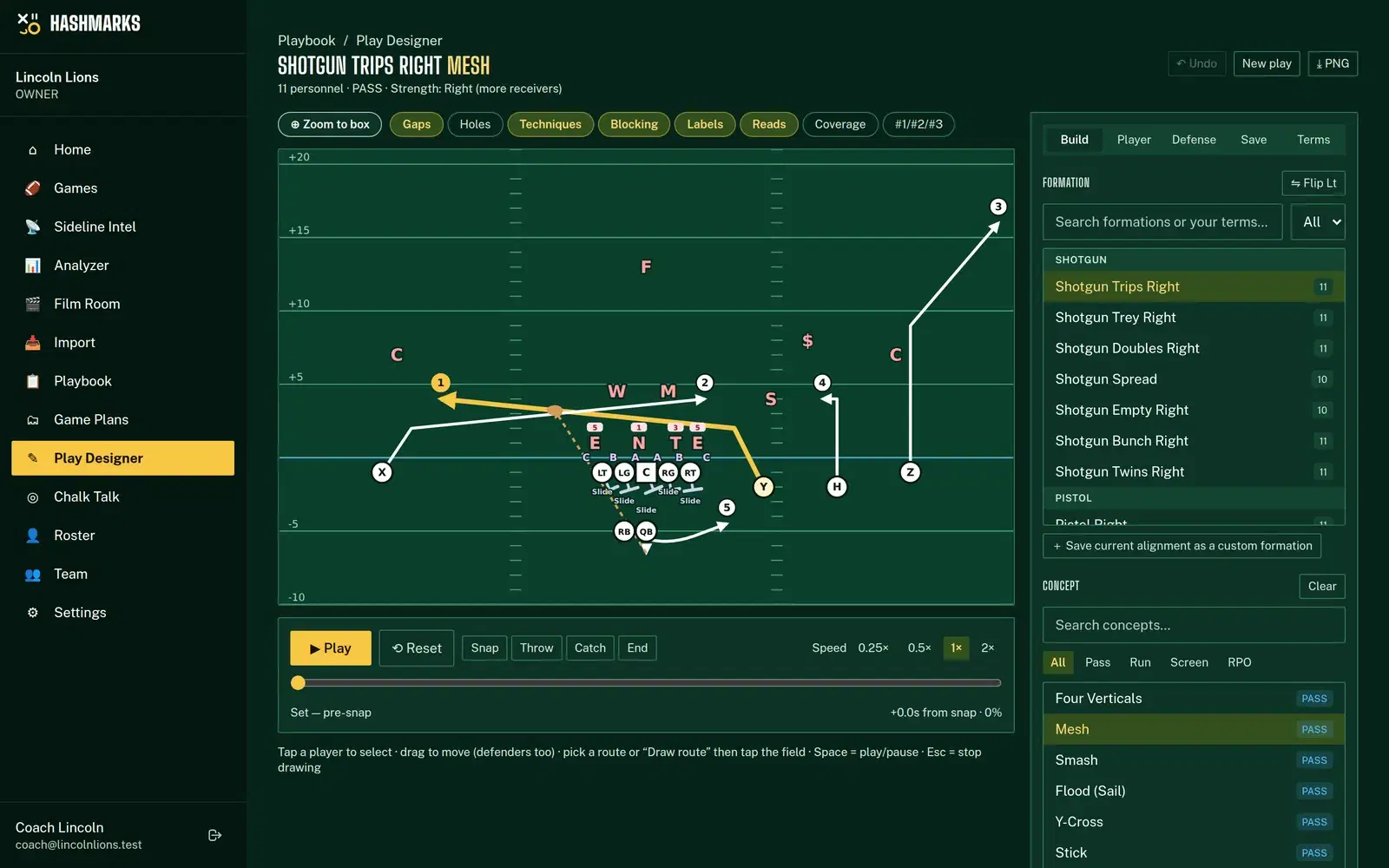
The Hashmarks Play Designer knows football geometry. Pick a formation and a concept and it labels the gaps, hole numbers, techniques and blocking assignments itself. Change the defense and everything re-aligns.
Why most play diagrams go stale
A diagram in a slide deck is a picture. Move the tackle, flip the formation or swap the coverage and nothing on it updates. So staffs either redraw every variation or teach from a diagram that doesn't match what players will see.
The Play Designer stores a play as football, not as lines: who lines up where, what each receiver runs, the blocking scheme and the ball plan. The labels and the defense are worked out from that every time you open it.
Start from a formation and a concept
The base library has 20 formations (Shotgun Trips, Doubles, Empty, Bunch, Pistol, Singleback Ace, I-Form, Pro Set, Wing-T, Goal Line, Jumbo, Trey, Twins, Unbalanced and more) and 33 concepts, from Four Verticals, Mesh, Smash, Flood and Y-Cross to Inside and Outside Zone, Power, Counter, Trap, Iso, Toss, Jet Sweep, Draw, Read Option and RPOs.
Concepts are written by role (#1, #2 and #3 receivers, the tailback, the TE), so the same concept works from any formation. Pick Smash from Doubles, switch to Trips, and the routes go to the right players.
Then adjust by hand:
- Drag players to change splits
- Tap a receiver to pick a route from the route tree, or draw your own
- Add pre-snap motion: jet, orbit, fly, shift or return
- Set the QB's progression and the primary read, and whether the ball is thrown, handed off, pitched or kept
Search by name, alias, personnel (11, 12, 21…) or your own terms, and Flip mirrors the whole play.
Labels that follow your linemen
This is where the designer earns its keep. Everything below is computed from where your players actually stand.
- Gaps: A, B, C, D and E, lettered outward from the center. Add a tight end and a D gap appears. Move a tackle and the gap moves with him.
- Hole numbers: your team's convention. The default puts numbers in the gaps (odd left, even right, 0 over the center). An owner or admin can switch the whole staff to numbering the players, or put evens on the left, under Settings. Every play relabels to match.
- Techniques: 0, 1, 2i, 2, 3, 4i, 4, 5, 7 (or 6i), 6 and 9, from the shoulder each defender aligns on, plus a wide 9.
- Strength: attached TE first, then receiver count, then the offset back, or switch the rule to receiver count.
- Blocking: Base, Zone, Reach, Combo, Double, Down, Back, Pull-Kick, Pull-Lead, Trap, Kick, Lead, Climb, Cutoff, Slide, Man and Release, worked out from the scheme and the defense in front of it. Tap a lineman to see his full assignment, or override it.
On read option and RPO plays, the unblocked read key is marked for you.
Defenses that align to your formation
In the Defense tab, pick one of 10 fronts (4-3 Over and Under, 3-4 Okie and Under, Tite, Nickel, Dime, 3-3 Stack, 46 Bear, 5-2) and one of 7 coverages (Cover 0, 1, 2, 2-Man, 3, 4, 6). The defense lines up on your formation: the front sets to the strength, techniques are placed on your actual linemen and every defender gets his zone, man, rush or blitz job. Cycle looks steps through common ones so you can see the play against each.
Move defenders to match your opponent
Real defenses cheat. The Sam walks out, the Will creeps up, the end kicks inside to a 4i. Drag any defender and his technique, the gaps and your line's blocking all re-resolve from where he now stands. You can change his job too: a different zone landmark, man or spy on a receiver, a blitz gap, or a rush. A small dot marks every moved defender, and one tap resets him.
Save opponent looks
Store a front, a coverage and your defender tweaks as a named opponent look, with the opponent and tags like "3rd & long". Apply it to any play you're drawing.
Watch it run
Press Play to animate motion, the snap and the play. Motions finish at the snap, and passes are thrown to where the receiver will be when the ball arrives. Zone defenders drop to their landmarks and break on the throw, man defenders trail their receivers and blockers engage their defenders. Scrub, change speed, or jump straight to the snap, throw, handoff or catch.
From playbook to game plan
Save plays to your playbook, then build the week's game plan:
- On the Playbook page, group plays by formation, play type or tag and tick the ones you want, or a whole section.
- Clone to game plan and pick one or more opponent looks. Two looks give you two labelled copies of each play. Your playbook itself is never changed.
- Reorder, re-apply looks, open any copy in the designer, export a PNG or print one or two plays per page.
- Promote a copy back to the playbook when it earns a spot.
Share with players
Coaches can create a read-only share link for a whole plan or a single play, so players without an account can study it on their phones with playback. Links expire after 1–90 days (14 by default), can include or hide coach notes, show a view count, and can be revoked at any time. Shared pages are hidden from search engines.
Your words, not ours
In the Terms tab, add your own names on top of the base library: call Shotgun Trips Right "Trey Rt", call Mesh "Lion". Your terms show up in the pickers and build the play name, and flipped plays flip Rt/Lt for you. You can also save your exact alignment as a custom formation.
How to do it in Hashmarks
- Request free access.
- Open Play Designer from the menu (or Playbook → Design a play).
- Pick a formation and a concept. Adjust routes, motion and reads.
- In the Defense tab, pick a front and coverage, then drag defenders to match your opponent. Save the look.
- Press Play to watch it, then Save it to your playbook.
- Clone plays into a game plan and share a link with your players.
The Play Designer help page explains every label, and Game Plans help covers cloning, printing and share links.
Then test the room
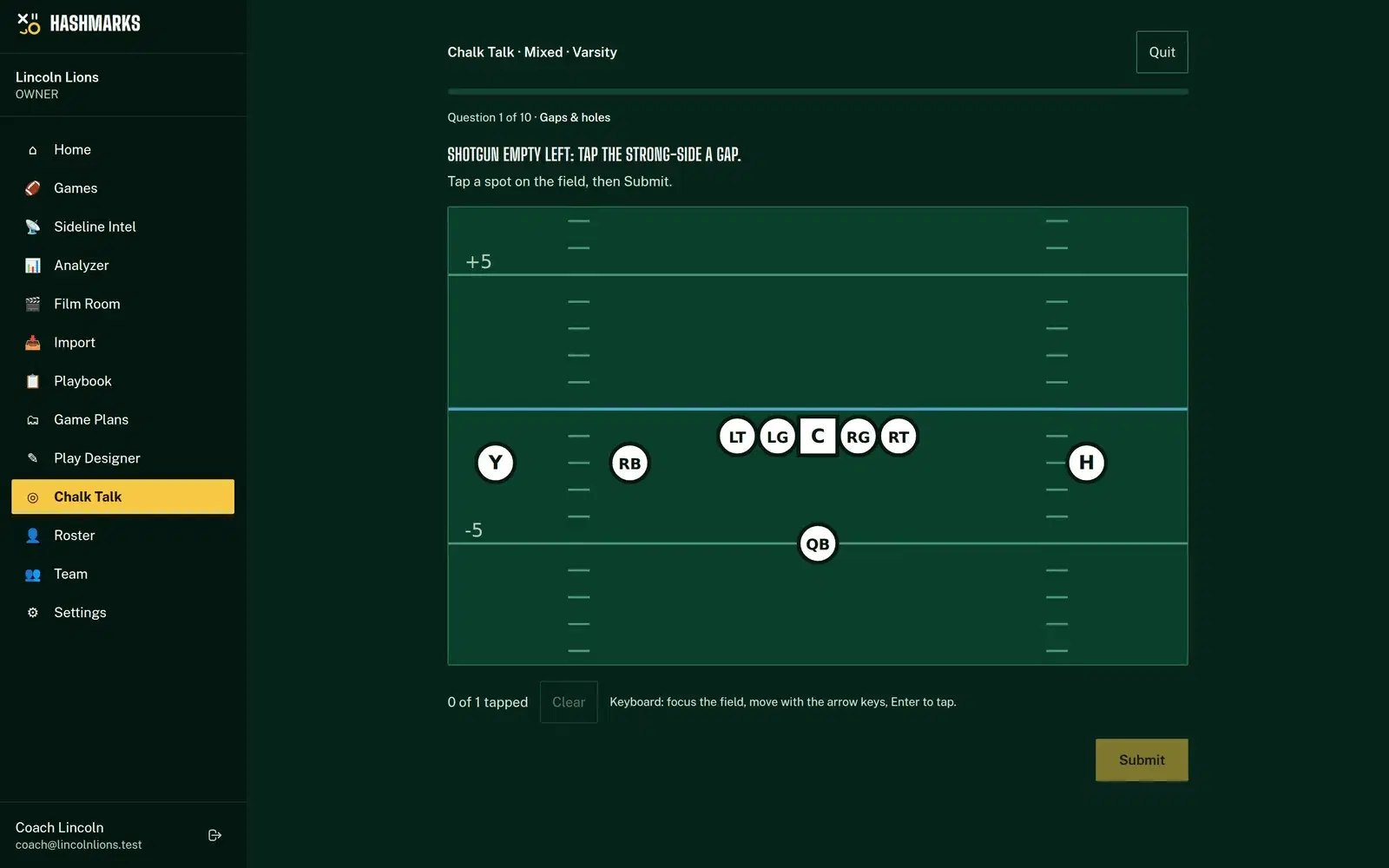
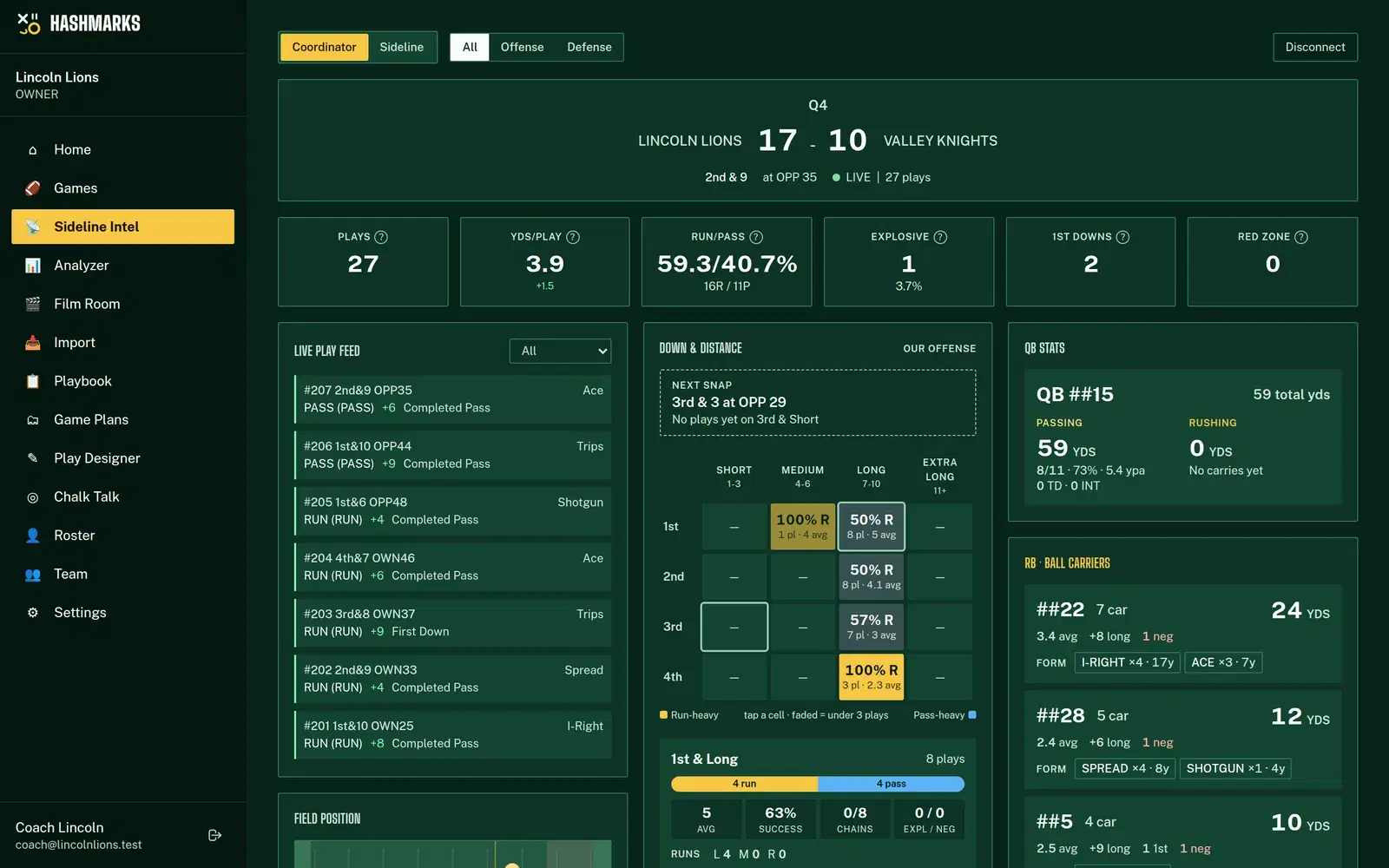
Every diagram you save can become a quiz. Chalk Talk asks everyone on your team account to find the 3 technique, the strong-side C gap or the soft spot in Cover 2, drawn on the same field. And once you've played the game, Sideline Intel tells you which calls actually worked.
Request free access and draw your first play in a couple of minutes, or see it on the Hashmarks home page.